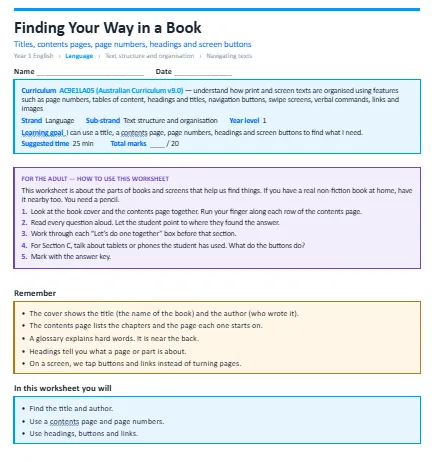
This worksheet teaches students to use a book cover, a contents page and page numbers to find information in a book about frogs, and to use buttons and links on a tablet screen. The worksheet is split into easy, medium and hard sections, plus an extension task to stretch confident students.
The concepts it covers:
- The cover shows the title (the name of the book) and the author (who wrote it).
- The contents page lists the chapters and the page each one starts on.
- A glossary explains hard words. It is near the back.
- Headings tell you what a page or part is about.
- On a screen, we tap buttons and links instead of turning pages.
What your child will practise:
- Finding the title and author.
- Using a contents page and page numbers.
- Using headings, buttons and links.
Every section opens with a “Let’s do one together” example and a short note for the adult helping. The download includes a full answer key, with marking guides for open answers and teaching notes.