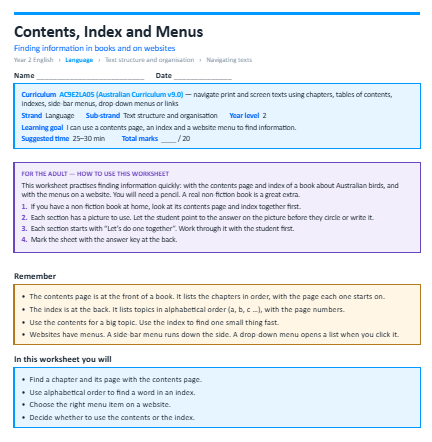
This worksheet teaches students to find information using the contents page and index of a book about Australian birds, and the side-bar and drop-down menus of a website. The worksheet is split into easy, medium and hard sections, plus an extension task to stretch confident students.
The concepts it covers:
- The contents page is at the front of a book. It lists the chapters in order, with the page each one starts on.
- The index is at the back. It lists topics in alphabetical order (a, b, c …), with the page numbers.
- Use the contents for a big topic. Use the index to find one small thing fast.
- Websites have menus. A side-bar menu runs down the side. A drop-down menu opens a list when you click it.
What your child will practise:
- Finding a chapter and its page with the contents page.
- Using alphabetical order to find a word in an index.
- Choosing the right menu item on a website.
- Deciding whether to use the contents or the index.
Every section opens with a “Let’s do one together” example and a short note for the adult helping. The download includes a full answer key, with marking guides for open answers and teaching notes.